Dispatch that refuses a clash
Drag a job onto a technician. An overlap is refused and the job it clashes with is named; a missing skill only warns, because the software does not know who got certified last week.

The whole job in one place — the call, the board, the technician in the plant room, the quote, the invoice, the money. Built for HVAC, plumbing, electrical and refrigeration companies whose customers are property groups, schools, restaurants and industry — not homeowners.
A call becomes a work order, a work order becomes a visit, and the visit becomes an invoice with their purchase order number on it.
Northgate Property Group
Building A · RTU-2 short cycling on high head pressure
Nothing is retyped between steps, because there are no steps — there is one record that gathers what happened to it. The invoice is built from the hours that were clocked and the parts that were fitted, not from somebody’s memory of the afternoon.
Customer, site and the unit on the roof. Their PO number while they are still on the phone.
WO-000142Drag it onto a technician. An overlap is refused; a missing skill is only a warning.
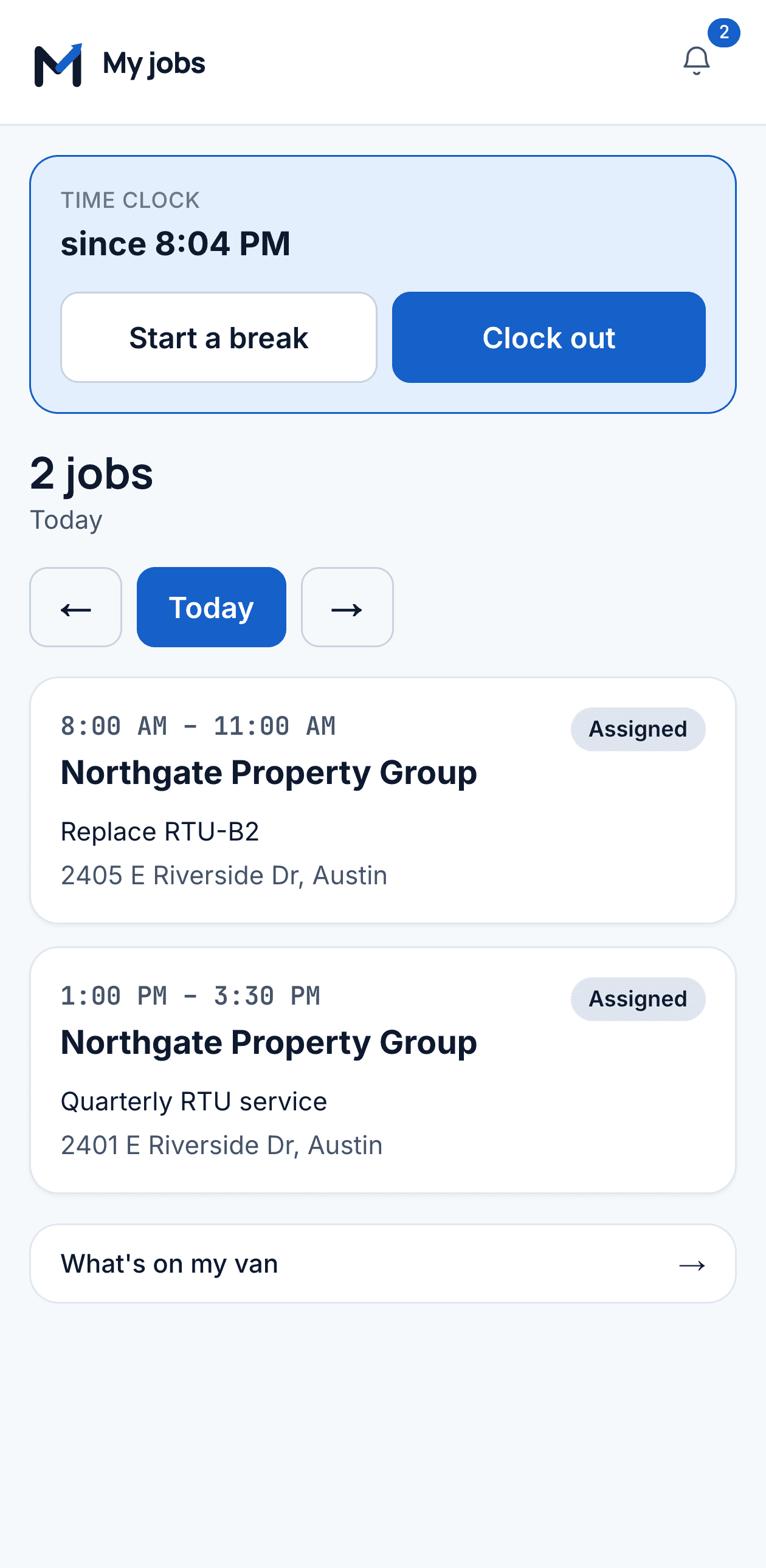
AssignedArriving stops the contract clock. Time, parts, photos and a signature — one thumb, gloves on.
On siteBuilt from the hours clocked and the parts fitted, at this customer's contract rate.
$1,284.60Their PO in the header, and a balance that is the sum of real payment rows.
PaidTechnicians as columns, the day as a grid. Drag a job onto somebody and the overlap is refused; a skill or a zone that does not match is only a warning, because software does not know that Ray got his certification last week. Down the left is everything with nobody on it — including the jobs somebody scheduled and never staffed.
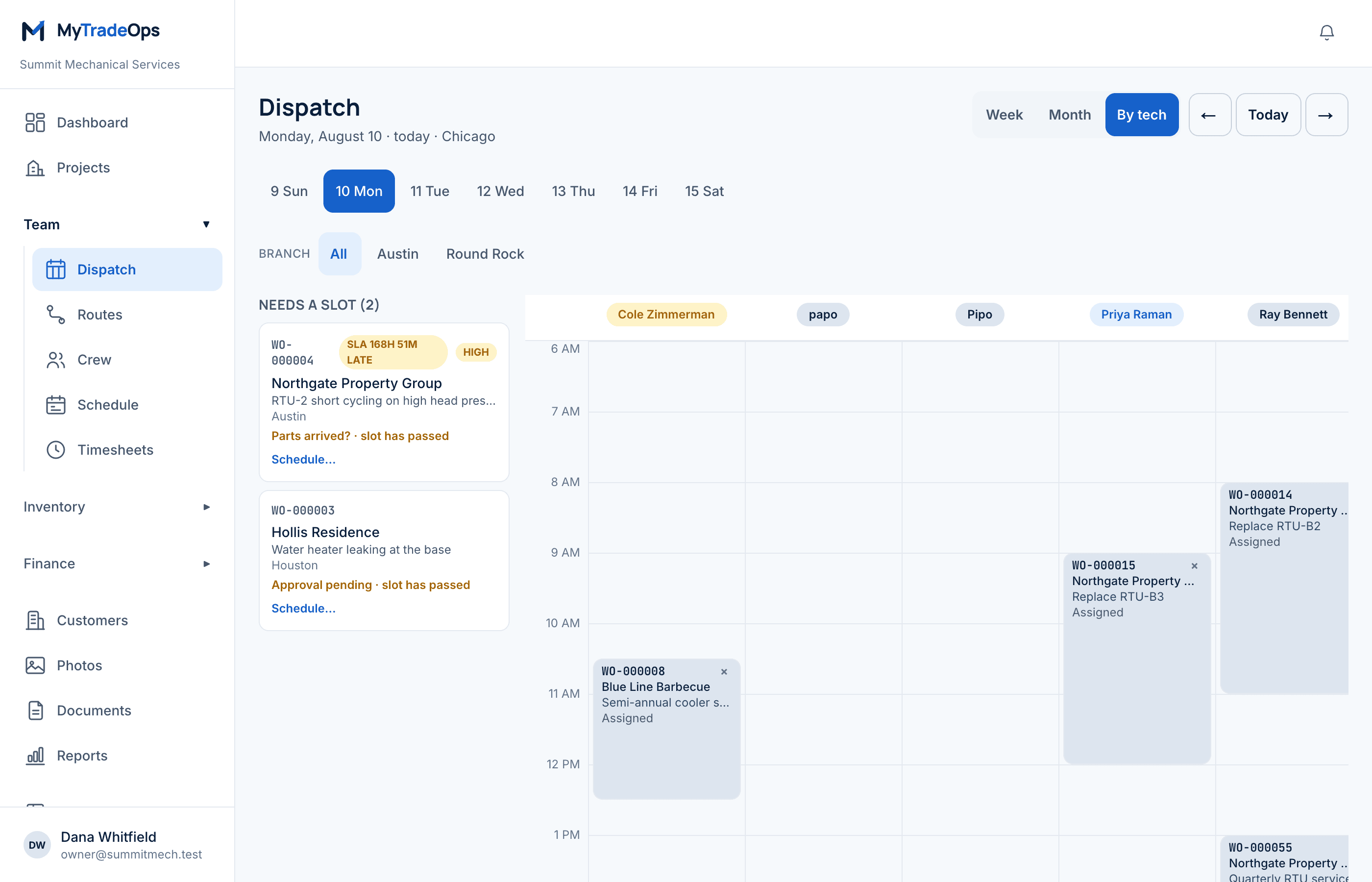
Compliance per customer, worst first, with the misses listed underneath. Work nobody promised anything about is left out of the figure entirely — padding the denominator is the oldest way to make a percentage look good, and a facility manager who catches you at it does not renew.
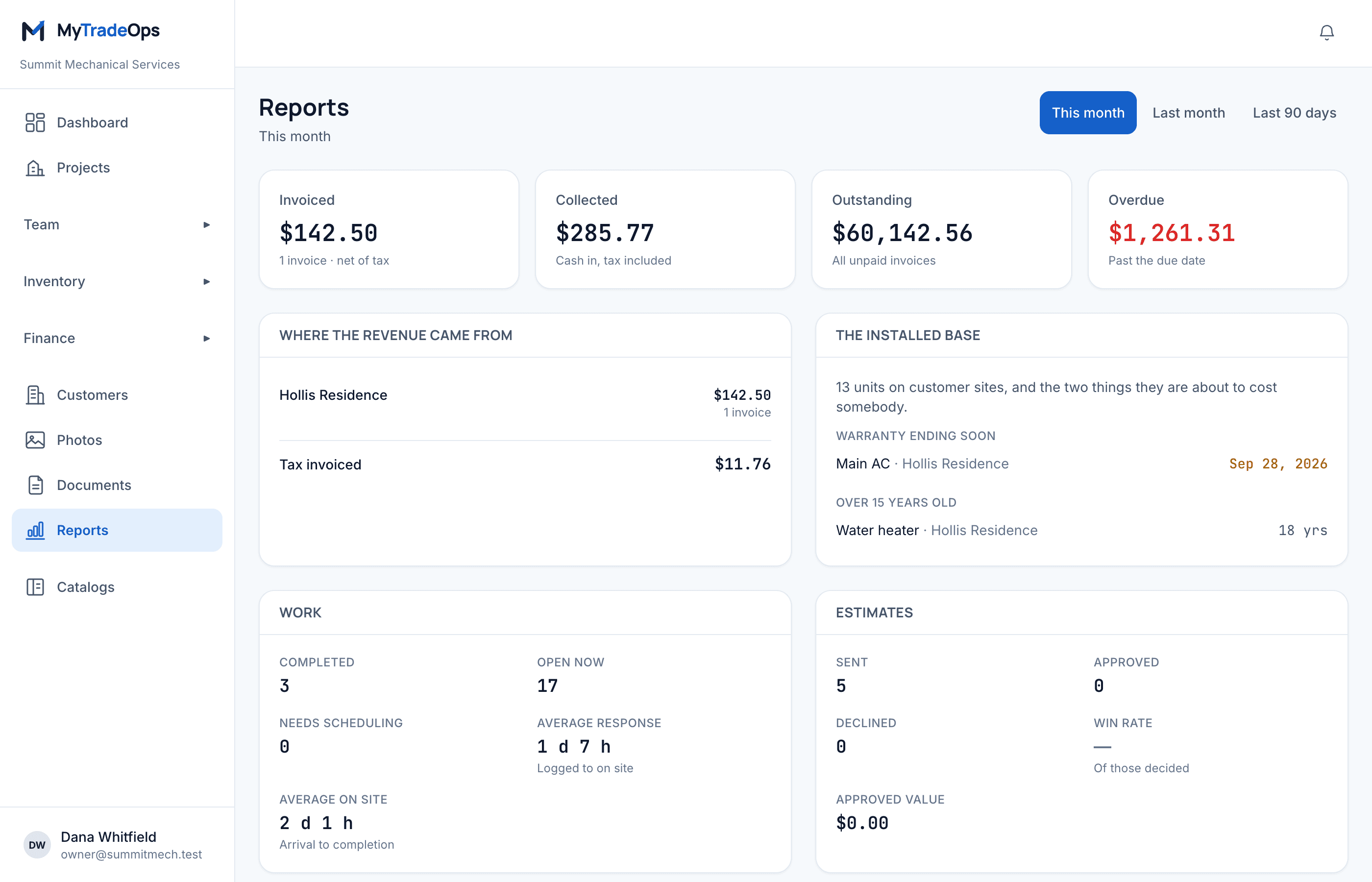
Schedule of values, monthly applications and retainage, in the shape of the G702 and G703. Print it for the general contractor or the lender. Every figure is frozen when the application is issued, so a printout of March still says what March said, whatever landed since.
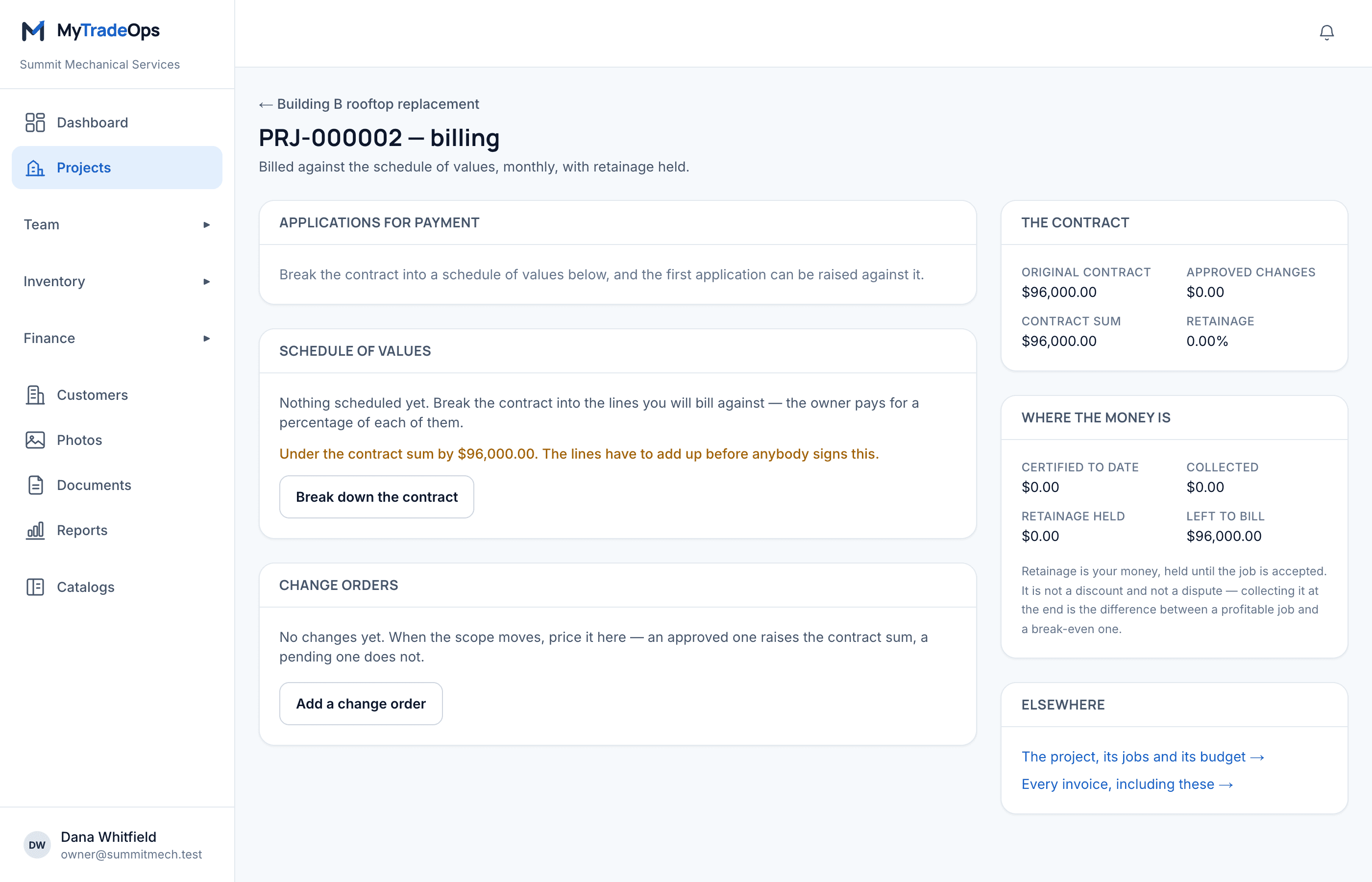
Good, better, best on one page, priced at what their contract says. They pick one, sign it on their own phone, and the approved option becomes the work — and later the invoice — without anybody retyping a line.
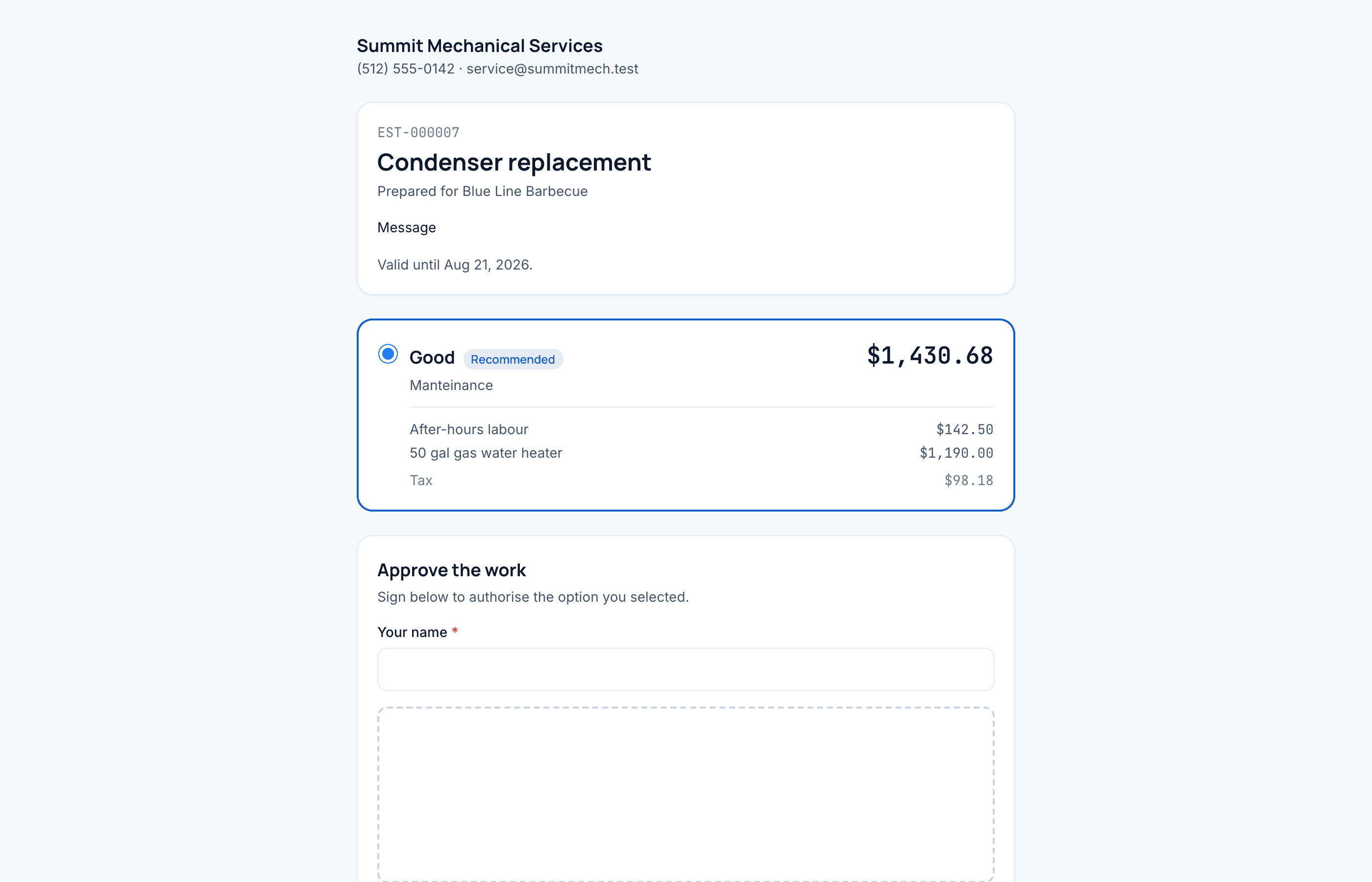
Drag a job onto a technician. An overlap is refused and the job it clashes with is named; a missing skill only warns, because the software does not know who got certified last week.
On the way, arrived, clock, parts, photos, signature. Parts come off that technician's own van without anybody picking a warehouse on a rooftop.
Good, better, best on a link with no login. Re-sending a revised price retires the old link, so nobody approves a number that no longer exists.
Bill a whole period on one document, with their purchase order number on it — and refuse to send it without one when that customer will not pay otherwise.
A contract plans its visits for the whole term and the cron raises each job four weeks out, with the checklist copied in. Nothing renews on its own.
The clock starts when the job is raised and stops the first time somebody is actually on site. A job with no promise does not flatter the average.
That single fact is what separates this from software written for somebody who fixes air conditioners in driveways. A company does not pay an invoice because it is correct — it pays it because its own paperwork matches.
Accounts payable will not pay an invoice without their own purchase order number on it. Mark the account as requiring one and the invoice cannot be sent without it — a refusal, not a warning, because finding out a month later is the expensive version.
Straight time, after hours, a discount on materials. The most specific rule wins, and it is applied where the price is written onto the job — so a quote, the work and its invoice cannot quietly disagree.
Close a month and every finished job at that customer becomes one invoice, sites as sections, each line carrying the job it came from. A job is billed once, even when two people close the month at the same second.
Four hours for a shutdown, next business day for the rest. Written onto the job when it is booked, measured by when somebody actually arrived, and reported per customer at renewal — with uncovered work left out of the number.
Their sites, their open jobs, their invoices with their own PO on each — and a way to ask for service that lands in the dispatcher's queue instead of a voicemail. No password to forget: a one-use link.
Schedule of values, monthly applications, retainage — in the shape of the G702 and G703, because that is the form the general contractor and the lender already know. Material delivered and not yet installed is billable, and the printout says so.
Field software is judged on the day a customer disputes a number. These four rules are why that day goes well.
Never a float. One routine computes totals, shared by the quote and the invoice, so the two cannot end up a cent apart.
An invoice copies the billing address instead of joining it. A customer who moves next year does not rewrite the invoices they already paid.
Amounts paid are never typed. They are the sum of payment rows, and a refund is a negative one, so the arithmetic can only tell the truth.
Every status change, every part off a van, every reassignment writes an event with a name on it. A figure nobody can explain is a figure nobody trusts.
Branches, tax, the price book and the crew. Twenty minutes with somebody who knows the trade.
The accounts, their sites, and the equipment at each — serials and warranty dates, so the first visit already has history.
Book it, dispatch it, work it, bill it. The whole loop closes on day one; everything else is depth you grow into.
Dispatchers, office staff and owners do not count — only the people you send out. No setup fee, no contract, and the implementation is done with you rather than sold to you.
Everything included
Let’s talk
Priced per technician per month. What it comes to depends on how many of you there are and whether you need last year’s data moved across.
Tell us how many technicians you run and we will put a number on it.
A week, and the first day is the long one: your branches, your price book, your crew. Everything after that is entered as the work comes in. Nothing has to be finished before the first job can be dispatched.
Customers and their sites, yes — that is the list you cannot work without. History is optional and most shops leave it where it is: the old system stays readable, and this one starts clean on the day you switch.
It is one screen in the order of the visit — on the way, arrived, clock, parts, photos, signature — and every touch target is a thumb's width. If a technician has to be trained for an hour, the screen is wrong, not the technician.
The address, the access notes and the equipment history are already on the phone. Every write carries an id so a retry lands once and not twice, and the screen says plainly when something did not go out rather than pretending it did.
You do. Every list exports to CSV from the screen you are looking at — filters and all — so the answer to "what if we leave" is a download, not a support ticket.
It will, but it is not built for it. The defaults here assume a commercial customer: contract rates, purchase orders, response-time promises and a portal for a facility manager with several sites. If your work is mostly homeowners, another product will fit you better.
Your branches, your price book, your crew — the first day is the long one and we do it together. After that the work goes in as it comes in, and last year’s data comes across if you have it.